Well, everyone, as I write this post, we are in the home stretch just before Christmas. It’s December 22nd, and in typical TQG fashion, I made a last minute decision yesterday to make my son a t-shirt for Christmas. Also in typical TQG fashion, I didn’t choose something easy and fast; oh no, I had to choose something that would require extra craft supplies, a trip to Michael’s four days before Christmas, and patience to learn something new.
It required printable heat transfer vinyl.
Let me back up just a little bit. My son has always been a HUGE Dragonball Z fan. He watched all the time as a child, and he still watches it as a 26 year old adult. So, when I ran across a Dragonball Z graphic, I had to try to make a t-shirt with it.
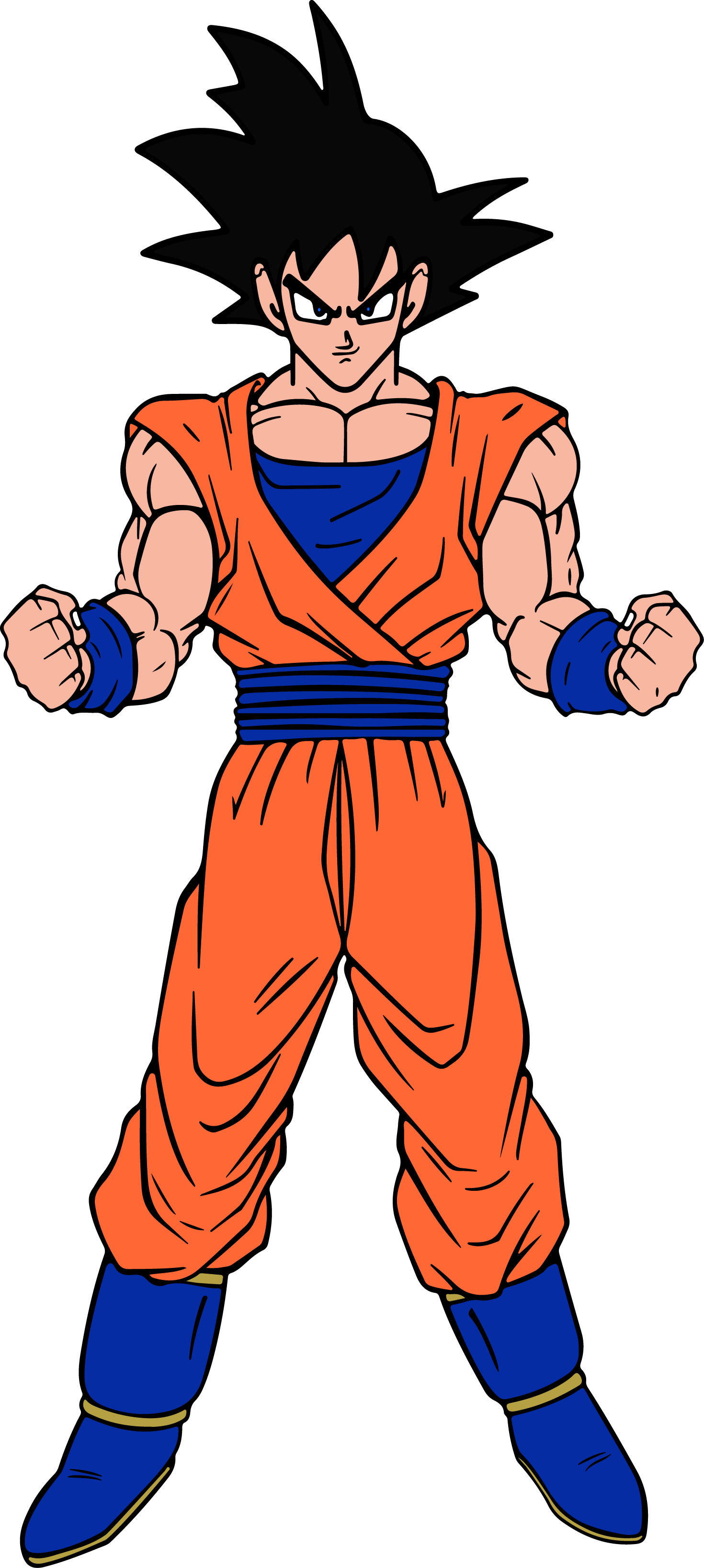
My first idea was to cut out the image and put it on the shirt as an outline. I even went so far as to cut it out of heat transfer vinyl (HTV) on my Cricut Explore Air 2. Then I realized that the line art was far too thin, and it wouldn’t work well in HTV. I remembered at that point that I’d recently seen something about printable HTV, so I spent my lunch hour yesterday watching a couple of tutorials and comparison videos on YouTube on the different brands and how to use them. I decided that printable HTV was the way to go, so I set about trying to track some down that I could get my hands on before Christmas.
One of the videos I watched, from Makers Gonna Learn, was very helpful. Their testing determined that the best colors came from Avery printable vinyl, and then Silhouette. Unfortunately, I couldn’t get the Avery before Christmas, but I did find the Silhouette printable vinyl at my local Michael’s.
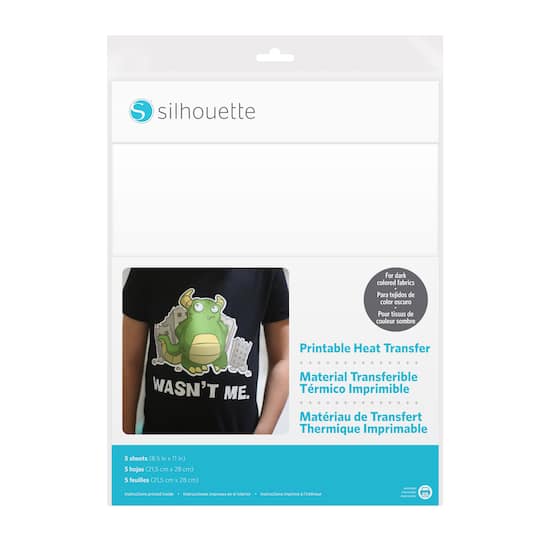
The first thing you need to know about this stuff is, it’s really, really thin. Like, super thin. And the cost is about $2 per sheet, so it’s sort of expensive. Fortunately for my son, I like him, so $2 for the HTV and another $5 for the shirt seemed reasonable. LOL
Back to the product … I’m not going to give you a blow by blow on how to use this, but I will say that when I printed it in my Epson ET-2720, I didn’t have any issues with it. I can’t lie – I’m pretty impressed with the idea that this can be printed on any standard ink jet printer and then put on clothing. I did my fair share of sublimation a couple of years ago, and the one thing I disliked about it was the need to use garments that were primarily made of polyester. I have nothing against polyester in general, it’s just not my personal preference for a tee. I much prefer cotton, and the Silhouette printable HTV works just fine on cotton, or so they claim.
The second thing you need to know is, your garment has to be pre-washed before you apply this product. That means you need a fair amount of lead time to wash and dry the garment before putting this on. And if you’re like me and don’t think about it, you will need to re-wash the garment because you realize that you probably shouldn’t use fabric softener when preparing the t-shirt for the transfer. I had originally just thrown the new tee in to my regular washing, which is why I used fabric softener. Had I washed it separately to begin with, this wouldn’t have been an issue. Fortunately, I thought about this before I tried to adhere the transfer to the tee, but yeah … I wish I’d thought of that at the beginning, and not just as I was getting ready to put the clothes in to the dryer. Ugh!
Still, it turned out very well, and my son is happy with the results.
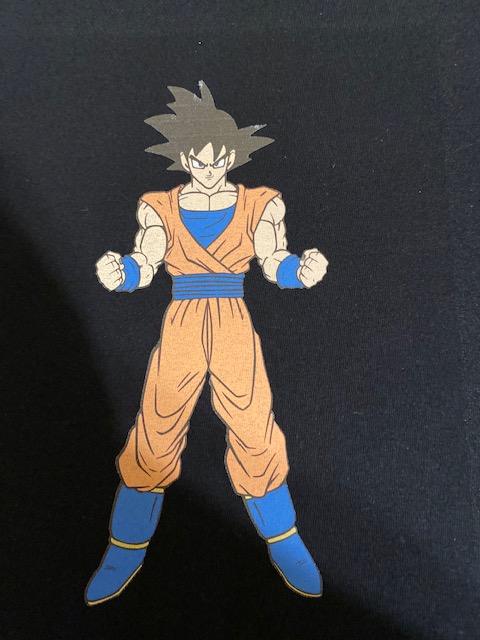
Now, we just need to find out how it looks after a couple of washings!
Overall, I’m pretty happy with how this turned. out. Is it perfect? No. But is it close enough that I had no qualms about giving the t-shirt to my son? Yeah. I will definitely use it again, because there are things that you just can’t do any other way. I just hope that holds up in the wash!
 Texas Quilt Girl